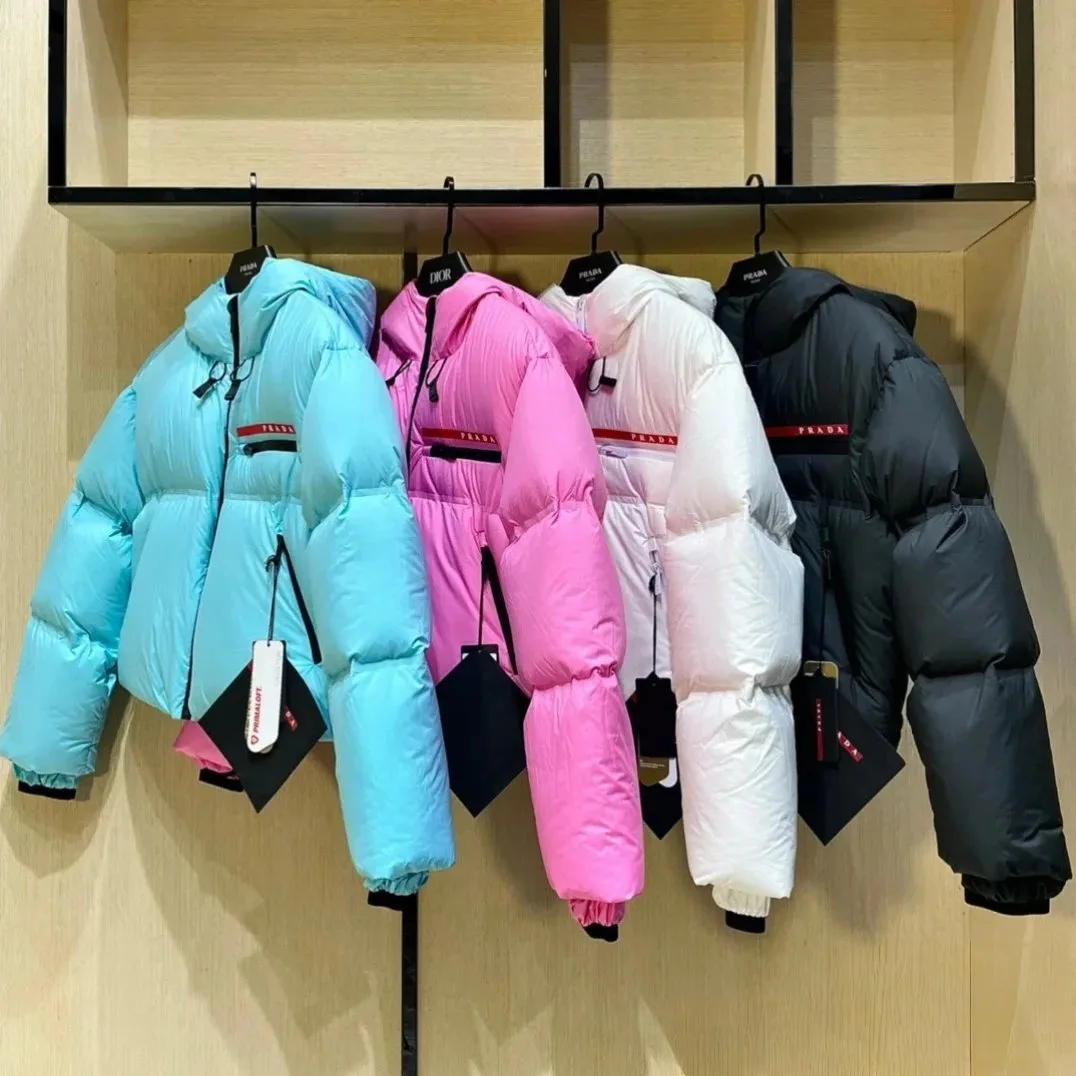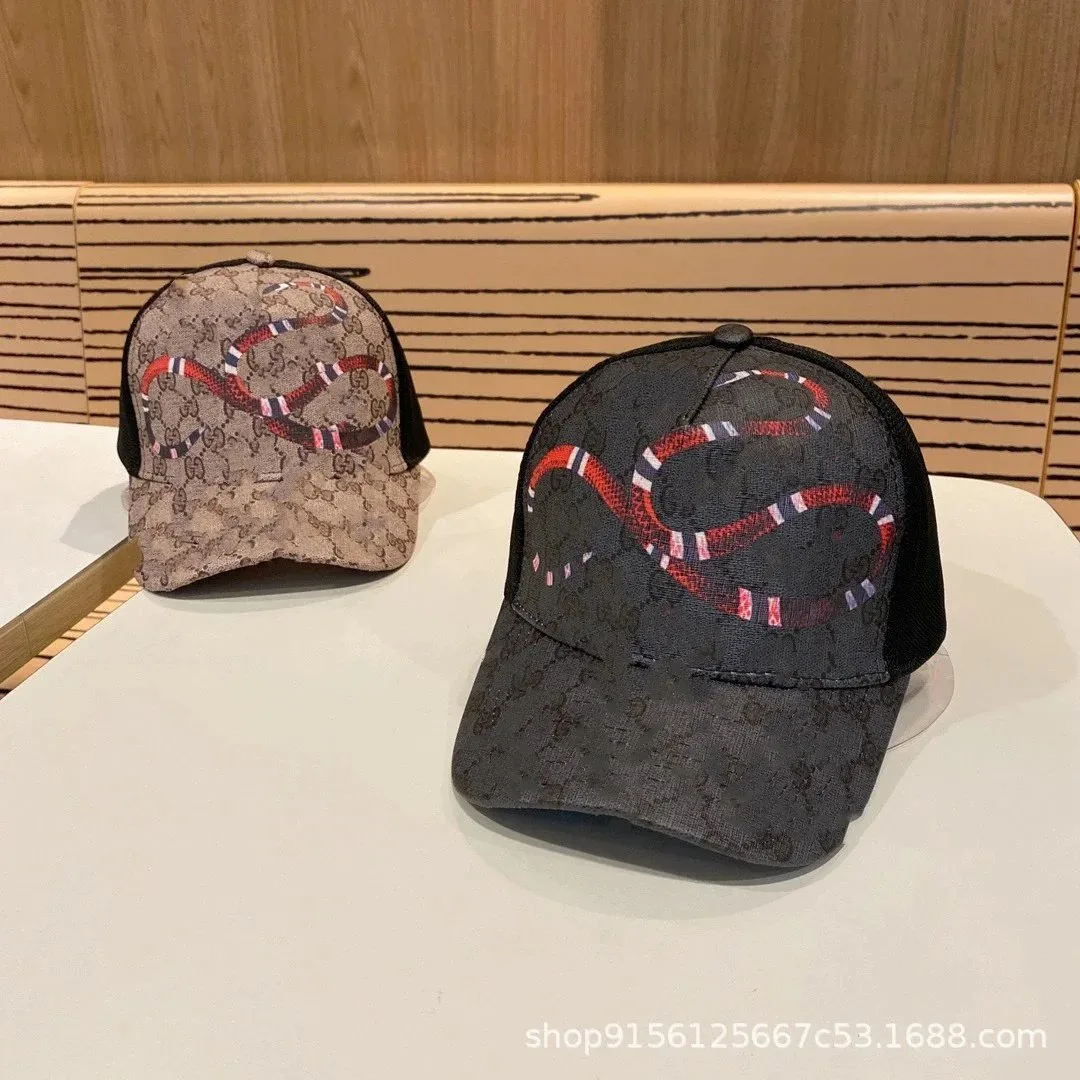
A product photo is useful when you have no working link, but it is a poor purchase specification. The same catalog picture can appear on multiple seller pages, near-identical versions can use different materials or dimensions, and a repost may crop out the very detail that distinguishes one model from another. Image search should therefore produce a shortlist, not an instant order.
LoloBuy publicly describes an order flow that begins with a product link and later includes warehouse inspection and photographs. Image search sits before that flow: it helps you locate possible source pages. This guide shows how to move from an image to a defensible listing while keeping uncertainty visible at every step.
A picture starts the search; specifications finish it.
The strongest match combines visual features with dimensions, options, seller evidence and a live source page.
Prepare
Crop the product without hiding distinctive construction.
Search
Run a broad image match and collect several candidates.
Compare
Check attributes the photo cannot reliably prove.
Record
Save the live link and exact option for later QC.
01
Decide what the photo can and cannot identify
Before searching, list observable features: silhouette, panel layout, hardware shape, pocket count, print position, colour blocking and any readable model text. Then list hidden or unreliable attributes: exact dimensions, fabric composition, internal construction, weight, included accessories, performance and authenticity. This boundary prevents the search result from claiming more than the picture shows.
A distinctive code, label or packaging mark may be useful, but read it cautiously. Low resolution, mirrored images and decorative text can produce false terms. Keep the original image untouched, write down your observations separately, and label uncertain characters with alternatives rather than silently correcting them into the phrase you expect.
- Observable shape and layout
- Readable text or model clues
- Required hidden specifications
- Details that could be lighting or compression artifacts
02
Prepare more than one search crop
Create a full-product crop that removes borders, social captions and unrelated objects while retaining the complete silhouette. Add a second crop around the most distinctive construction feature, such as a closure, sole pattern, pocket arrangement or graphic. A third crop can preserve a readable label or code. Different crops test different hypotheses instead of repeating one weak search.
Avoid an extremely tight crop of a logo alone. It tends to return brand pages and visually similar products without the same construction. Likewise, do not upscale a tiny image until invented sharpening artifacts look like real stitching or text. Search engines can work with imperfect images; your job is to avoid adding false evidence.
RELATED DECISION PATHS
Continue with the evidence that answers the next question.
These links sit inside the guide because each one covers a decision that follows directly from this step.
03
Collect candidates before choosing a marketplace page
Run the full image first and open several plausible results. Record marketplace, seller, title, current image set and URL. Then use the detail crops to see whether the same candidates recur. Repetition across searches is a useful lead, but it still does not prove that all pages sell the same batch, material, size range or included pieces.
Keep at least three candidates when possible. A single result creates confirmation bias: every ambiguous feature starts to look like a match. A comparison set makes differences visible, especially when one seller shows only catalog images and another includes measurements, option-specific pictures or packaging details.
04
Turn the image into text queries
Image results often reveal vocabulary that the original photo lacked. Extract neutral terms such as garment type, cut, material wording, model code, pattern, closure and dimensions. Combine two or three distinctive clues rather than copying a promotional title. Search both the exact phrase and a shortened version so a seller's rewritten title does not hide a useful match.
Use seller language as a clue, not a verified specification. If a result calls a jacket waterproof, a bag leather or a shoe a certain model, locate the supporting description and option fields. A search snippet can be stale or incomplete. The opened listing is the record you must evaluate.
05
Compare candidates with an identity matrix
Create rows for silhouette, seams, hardware, labels, graphics, dimensions, material description, size range, accessories, seller and price conditions. Mark each candidate as matched, different or unknown. Unknown is not a failure; it identifies the exact information needed before ordering. A page with fewer contradictions can be stronger than one with the closest hero image.
Weight functional fields above decorative similarity. For footwear, size method and outsole construction can matter more than colour. For bags, dimensions, strap attachment and compartment layout can outweigh a matching front view. For electronics or parts, connector, voltage and model compatibility must override every aesthetic clue.
- Match
- Different
- Not shown
- Needs seller or order clarification
06
Check whether the selected option matches the photo
A listing can contain several products under one URL. Select the intended colour, size, style and bundle, then watch whether the option image, price and availability change. The lowest displayed amount may belong to a deposit, accessory or smaller version. Save the option text in its original language together with a short explanation of what you intend to receive.
If no option clearly corresponds to the image, do not submit a generic note asking for the pictured version. Identify the exact conflict and seek clarification. A vague instruction transfers your assumption into the order while leaving the purchaser or seller to interpret it differently.
07
Submit a verified link and preserve the comparison
Once a candidate passes the matrix, paste that live source link into the current order flow. Compare the generated product summary with the seller page and your saved option. LoloBuy's public description supports link-based ordering, but the transfer still needs human verification. Keep the other candidates in the record in case the chosen page changes or becomes unavailable.
Capture the source page, option selection, measurement chart, decisive images and date. This evidence gives later warehouse photographs a fair reference. Without it, QC becomes a memory test, and a seller's edited page can make the original expectation hard to reconstruct.
08
Use warehouse photos to verify arrival, not the search theory
When the item reaches the warehouse stage, compare product type, colour, labelled size, quantity, included pieces and visible condition with the saved record. Revisit the distinctive features that led to the match. If a critical area is not visible, define the precise angle or measurement needed and check the current order options rather than assuming extra evidence is automatic or free.
Warehouse images cannot retroactively prove that the image-search result came from the original seller or that hidden specifications are correct. They document the item received from the chosen order. Keep discovery confidence separate from arrival evidence, and pause when a material difference remains unresolved.
SOURCES
Research basis
Platform claims and customer observations are kept separate. The notes below identify the research basis without sending visitors away from this guide. Confirm current account terms before acting.
- LoloBuy public website — checked September 15, 2026Primary source for link-based ordering, warehouse inspection and user-facing photographs.
- Live seller listingsCurrent source records control the actual title, seller, options, specifications, price and availability.
- Lolobuy Sheet image-search frameworkThe crop, candidate and comparison workflow is independent editorial analysis.